 |
|
|
|
|
|
|
|
|
|
|
 |
|
 |
 |
 |
 |
|
||||
 |
 |
 |
 |
 |
||||||
 |
 |
|||||||||
|
EFITviewer LRDfits PyISOLVER |
EFITviewer is now available for NSTX data (on Unix). LRDfits may also be plotted. PyISOLVER is a fast Python OOP implementation of LRDFIT model. See more information in link.
|
||||||
|
LOGBOOK
|
On UNIX, assuming you have "module load nstx", invoke IDL and:
IDL> syb_entry
An on-line Logbook manual is available, as are PDF and Microsoft Word versions. Errors and questions should be directed to Stan Kaye. There is also a Web version of the Logbook. |
||||||
|
SCOPE
|
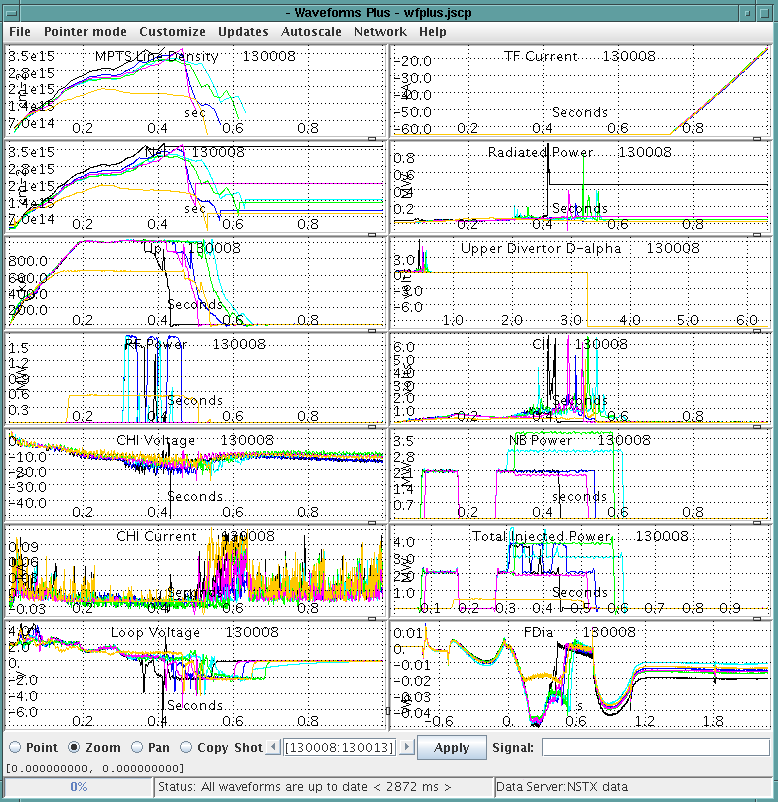
The commonest way to look at data is with the Scope application. Sample Scope files can be found at (Unix) $NSTXUSR/util/scopes, or ask a user with interests similar to your's. jScope is a more modern version that does overlays, color plotting, etc. jScope has good a Help file. See jScope_PPPL_Linux.txt for local considerations. Here is a local jScope example. | ||||||
|
TRAVERSER
|
The TRAVERSER utility displays the structure and content of a tree. It is most commonly used to set data acquisitiion parameters, such as setting trigger times. Tree owners can use TRAVERSER to add or remove nodes and tags from their trees. jTraverser is a more modern version of traverser, but can not do device setup. | ||||||
|
nedit
|
|
||||||
|
Fast Camera Tools
|
There are a variety of tools for looking at Fast 2-D Camera data on NSTX, such as fcplayer.pro. See BlobTracking.html for some of the software available for analyzing data for the Gas Puff Imaging (GPI) diagnostic. |
| |||||
| Web Tools | Click on the Web Tools tab at the top of this page to find various tools available from a web browser. | ||||||
| X-Windows | If you are not familiar with using X-windows, see How to Setup IDL and X-windows at PPPL. | ||||||
| SharedAppVNC | See vncviewer and SharedAppVnc for the Control Room Macs to share windows on your Macintosh with the NSTX Display Wall. |
last modified 09-Aug-2013